Plausible website settings
Plausible has two separate settings areas. Account settings (click your name in the top-right menu) control your personal account: email address, password, two-factor authentication, and dashboard appearance. Site settings control each individual site: timezone, goals, traffic exclusions, reports, shared links, and who has access.
If you are looking for something site-specific and cannot find it in account settings, you are in the right place.
Your website settings let you manage your domain, control who has access, configure what data is collected, and set up reports and notifications. Common tasks include changing your domain, managing users and roles, controlling dashboard visibility, setting up email or Slack reports, and excluding your own traffic.
You can access your website settings using these two methods:
Directly from your site dashboard
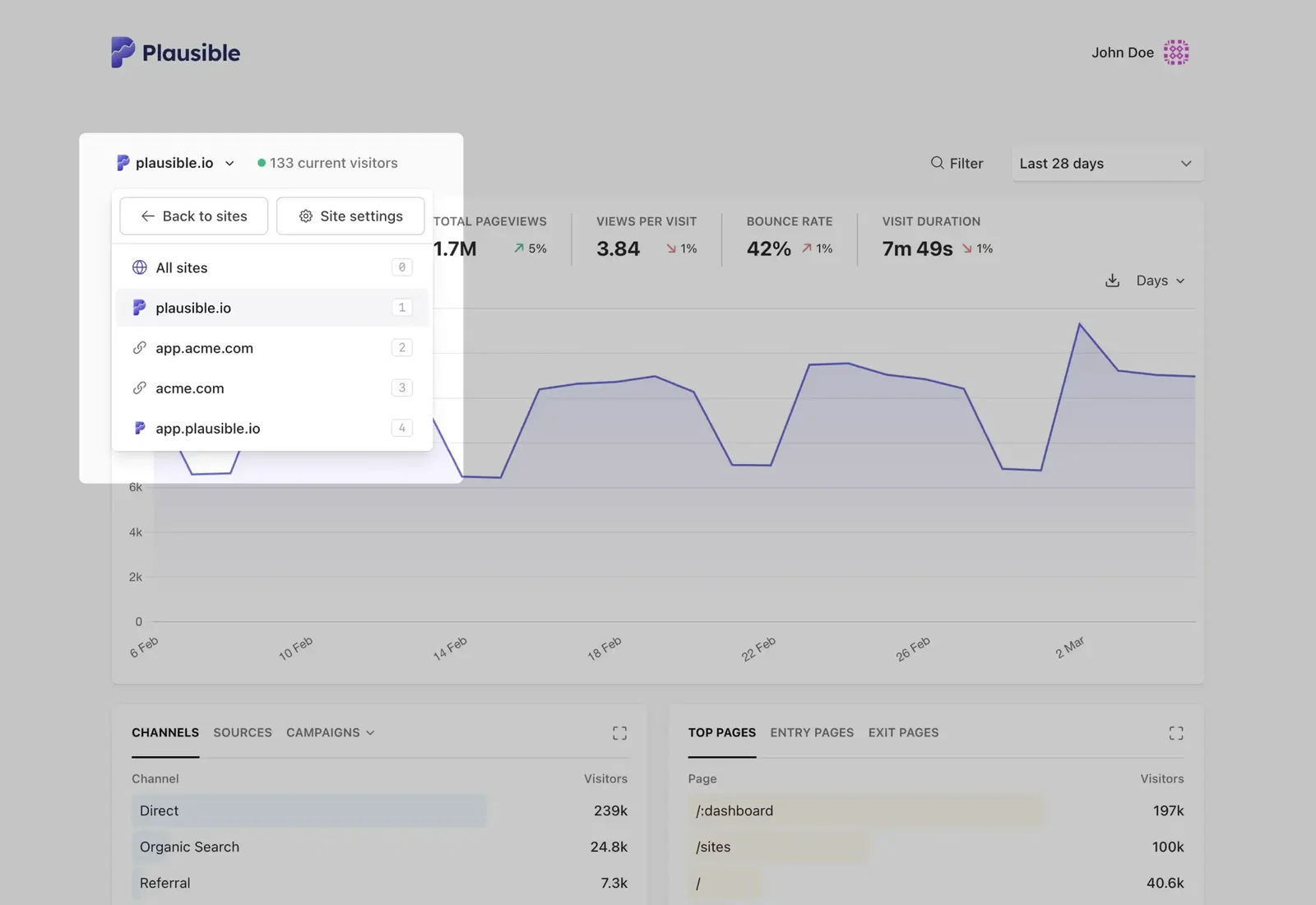
Click on your site name in the top left side of your Plausible Analytics dashboard and select Site Settings in the dropdown menu.
From the Sites page
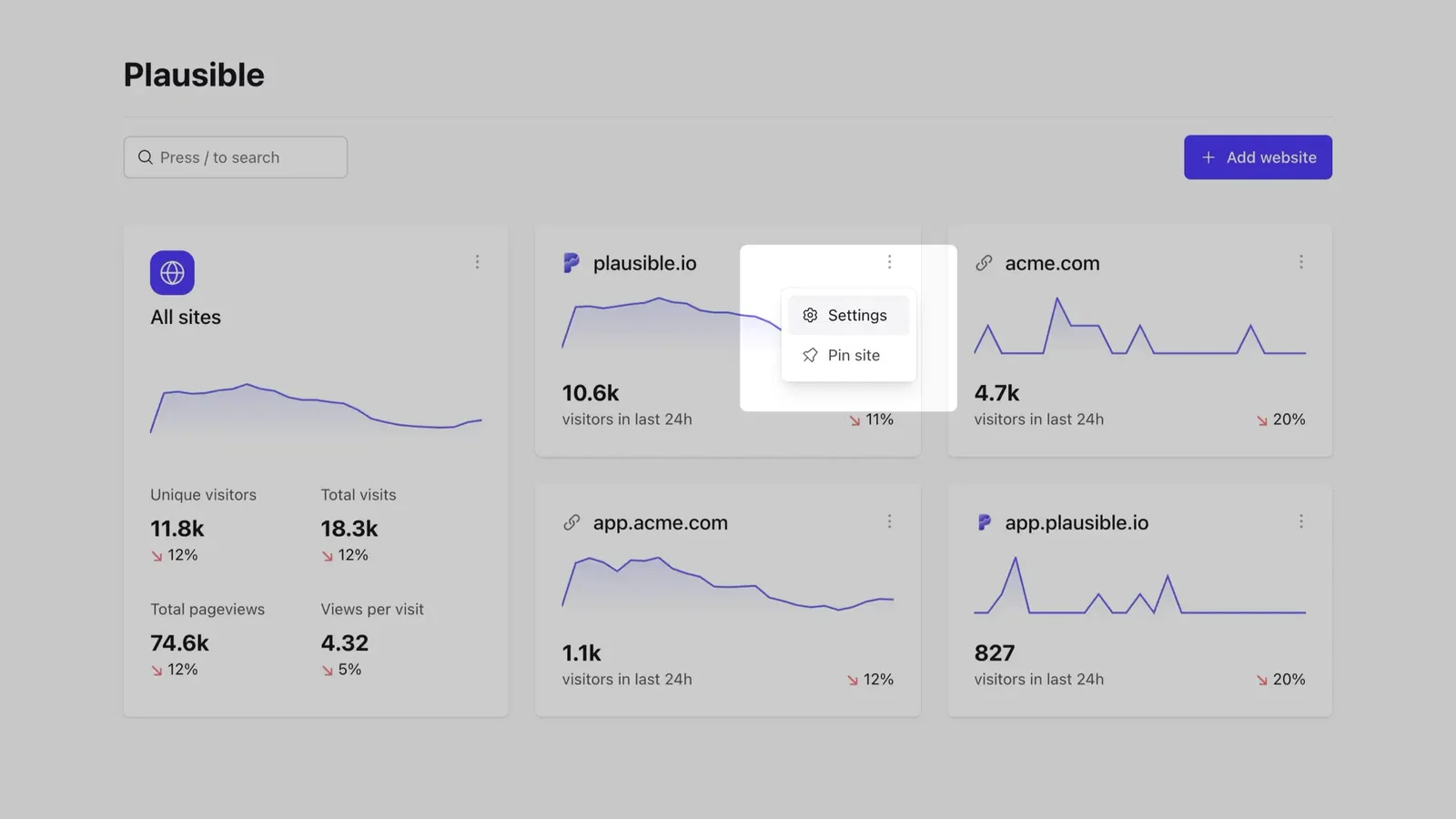
Hover over your website name and click on the Settings icon on the right hand side of your domain name in your Sites page to enter your website settings section.